On this page
View In PDFA gate that does not respond to one remote may have a handset problem; a gate that does not respond to several controls may need a wider investigation. Start with that distinction before buying a replacement. This guide explains batteries, coding and compatibility, then covers what to do if the remote is faulty or has gone missing.
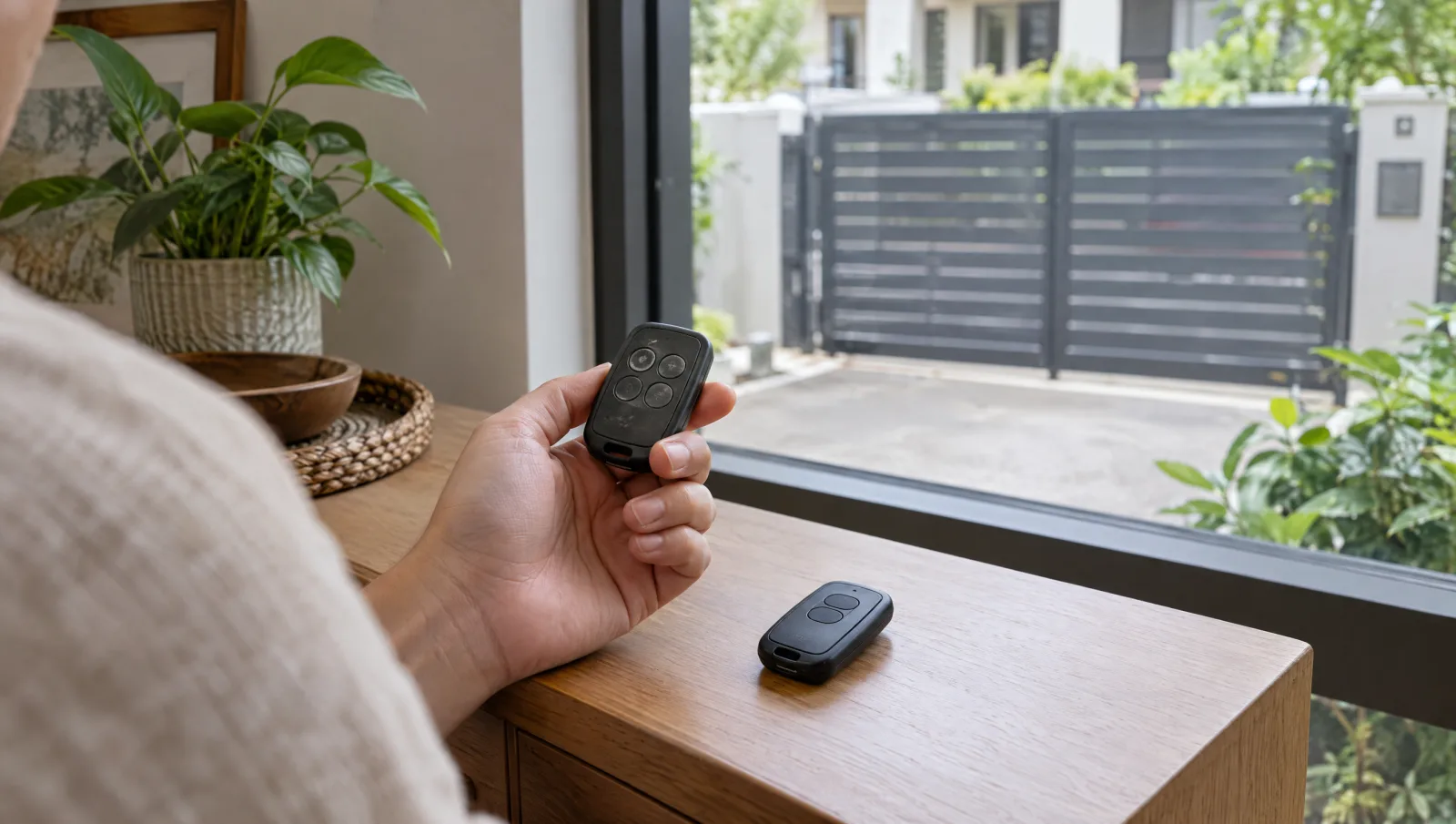
The remote, not the app: why this guide stays narrow
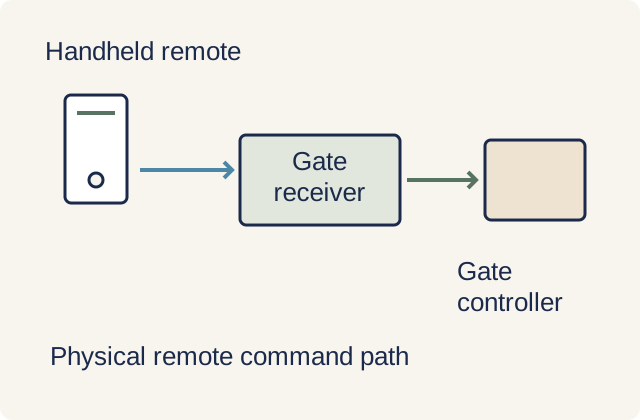
An auto gate remote sends a radio command to a receiver connected to the gate controls. A failed fob can leave a healthy gate unresponsive, while a receiver or gate fault can affect every remote. Knowing which controls still work helps distinguish those situations before a replacement is ordered. A failed fob does not by itself show that the gate motor needs replacement.
For opening the gate from your phone or integrating with Apple Home or Google Home, that is a different layer of hardware with its own cost and reliability trade-offs, and the smart auto gate phone-app guide covers it properly. Here we stay on the remote itself, because the questions homeowners actually ask about the fob are different from the questions they ask about app control.
How an auto gate remote actually works
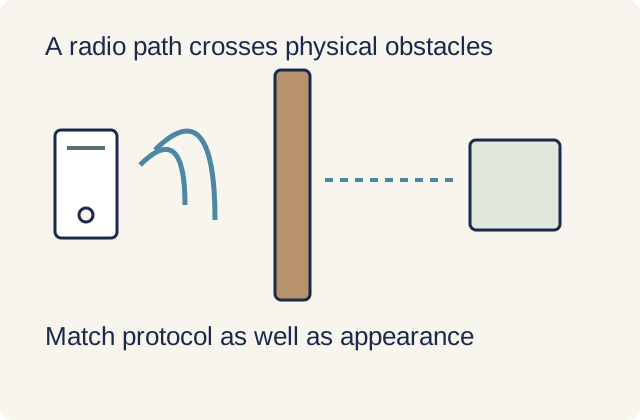
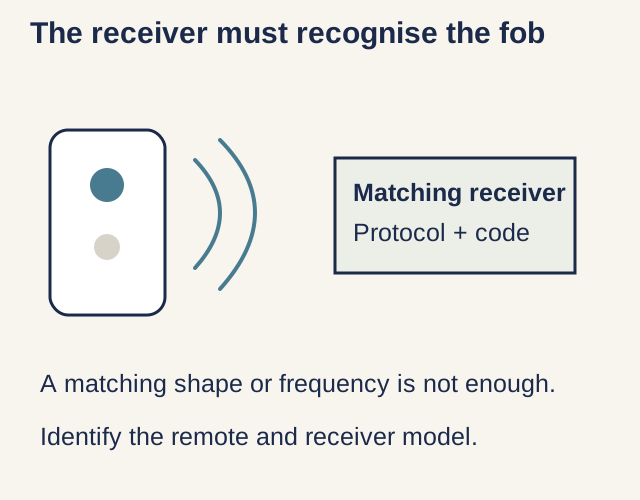
Pressing a remote button sends a signal that a compatible receiver can recognise and pass to the gate controller. Frequency, coding protocol and device compatibility all matter. Two remotes with identical cases can contain different electronics, so appearance is a poor way to select a spare.
Identify the remote and receiver from manuals, invoices or accessible exterior labels. A matching frequency alone is not enough: the receiver must support that transmitter's coding system and registration method. Do not open a powered control enclosure to look for a label; ask the technician if the receiver details are inaccessible.
Fixed code vs rolling code (and the cloning question)
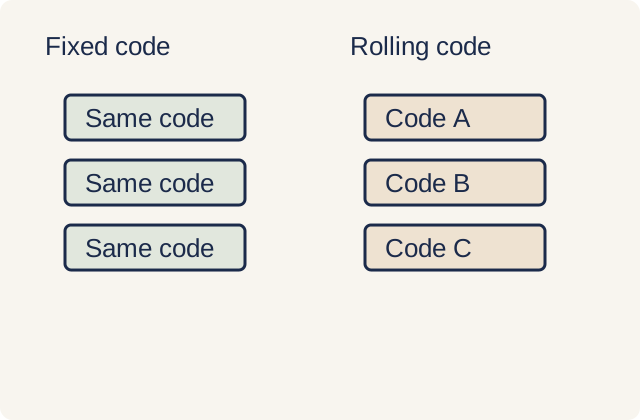
A fixed-code system repeatedly transmits the same identifying code. A rolling-code system changes the transmitted value using a method the receiver can validate, helping resist simple replay of a previously captured command. Neither design means a lost working remote becomes harmless: an authorised fob may continue to open the gate until its access is removed.
Spare-registration methods vary. Some systems permit an authorised existing remote or programming tool to enable a new one; others require receiver access. The ability to add a spare without opening the gate does not prove that the system uses fixed code. Use the actual manufacturer procedure rather than judging security by how quickly a shop supplies a copy.
Pairing a spare or replacement remote
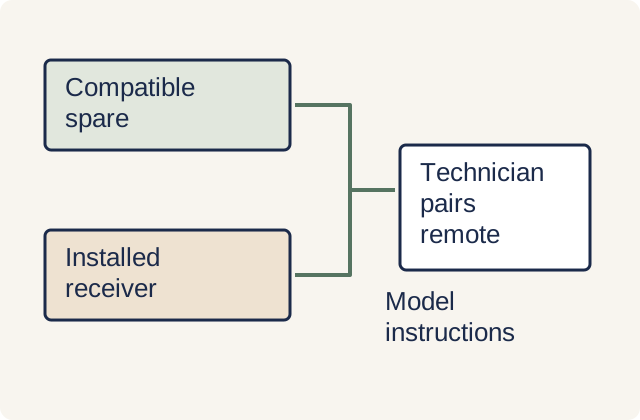
A replacement needs to be compatible and correctly registered. Manufacturer receiver instructions illustrate that different coding and memorisation modes exist even within a product family. Use the manual for the installed equipment; a generic learn-button sequence can change the wrong setting or remove other remotes.
If registration requires opening the controller or receiver enclosure, have the gate technician do it with the appropriate precautions. Ask the spare's price to identify the device, programming and call-out charges. Have every retained control checked after the work so the household knows which fobs and buttons operate the gate.
When a remote stops working: triage in order
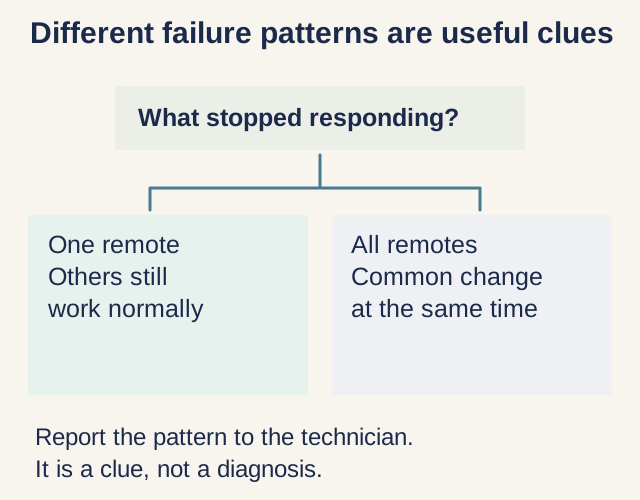
If one remote fails while another still works from the same safe location, start with the affected fob. A depleted battery, damage or lost registration are possible causes. Follow the user instructions for the correct replacement battery, keeping small batteries away from children, and stop using a damaged or leaking fob.
If all remotes are affected, record whether a normal wall control still works, without standing in the gate's path or repeatedly cycling a faulty gate. Receiver, power, interference and gate faults remain possibilities. Range varies with walls, vehicles, antenna position and local conditions; there is no universal distance at which every residential fob should work.
Security habits and how DirectHome helps
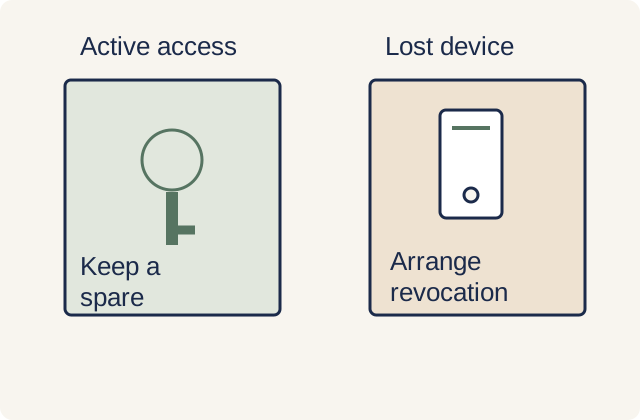
Report a lost remote regardless of its coding type. Ask the technician to revoke that transmitter if the system supports individual removal, or use the appropriate reset and re-registration process. On a fixed-code system, changing the shared code may be necessary. Simply adding a new remote does not necessarily disable the missing one.
Keep a list of authorised controls and update it when access permissions change. For a gate project discussion with DirectHome, bring a photograph of the fob and accessible external model labels, plus the behaviour observed. Confirm remote supply and programming with the provider supporting the installed system; do not expose a control board for a photograph.
Frequently asked questions
Can a locksmith clone my auto gate remote, and is that safe?
Compatibility and registration depend on the installed coding system. Simple fixed codes may be copied; rolling-code systems use changing values and have their own authorised spare procedures. Some permit remote enrolment, so quick duplication is not proof of coding type. Use the manufacturer's supported route and account for who retains gate access.
Why does my auto gate remote work from far away sometimes but not others?
Walls, vehicles, interference and antenna position can affect reception, as can the fob's battery or damage. Compare a working spare from the same safe location and record the difference. A continuing decline needs investigation; a universal metre range cannot establish whether your system is faulty.
One of my gate remotes stopped working but the others are fine. What is wrong?
The affected fob, its battery or its registration is a useful starting point, but the observation is not a diagnosis. Follow the manual for a battery change and use the correct type. If it still fails, have compatibility and registration checked rather than opening the gate controller.
I lost my auto gate remote. What should I do about security?
Ask the technician to remove its access using the procedure supported by the system. That may be individual deletion, changing a shared code or clearing and registering retained remotes again. A lost rolling-code fob can still be authorised, so it also needs attention. Confirm retained controls work after the change.
Auto Gates across Singapore
Need help with your project?
Tell us what you need on WhatsApp and send a few photos. We'll arrange a free site assessment, then give you a fixed-price quote within 3 to 5 working days.