On this page
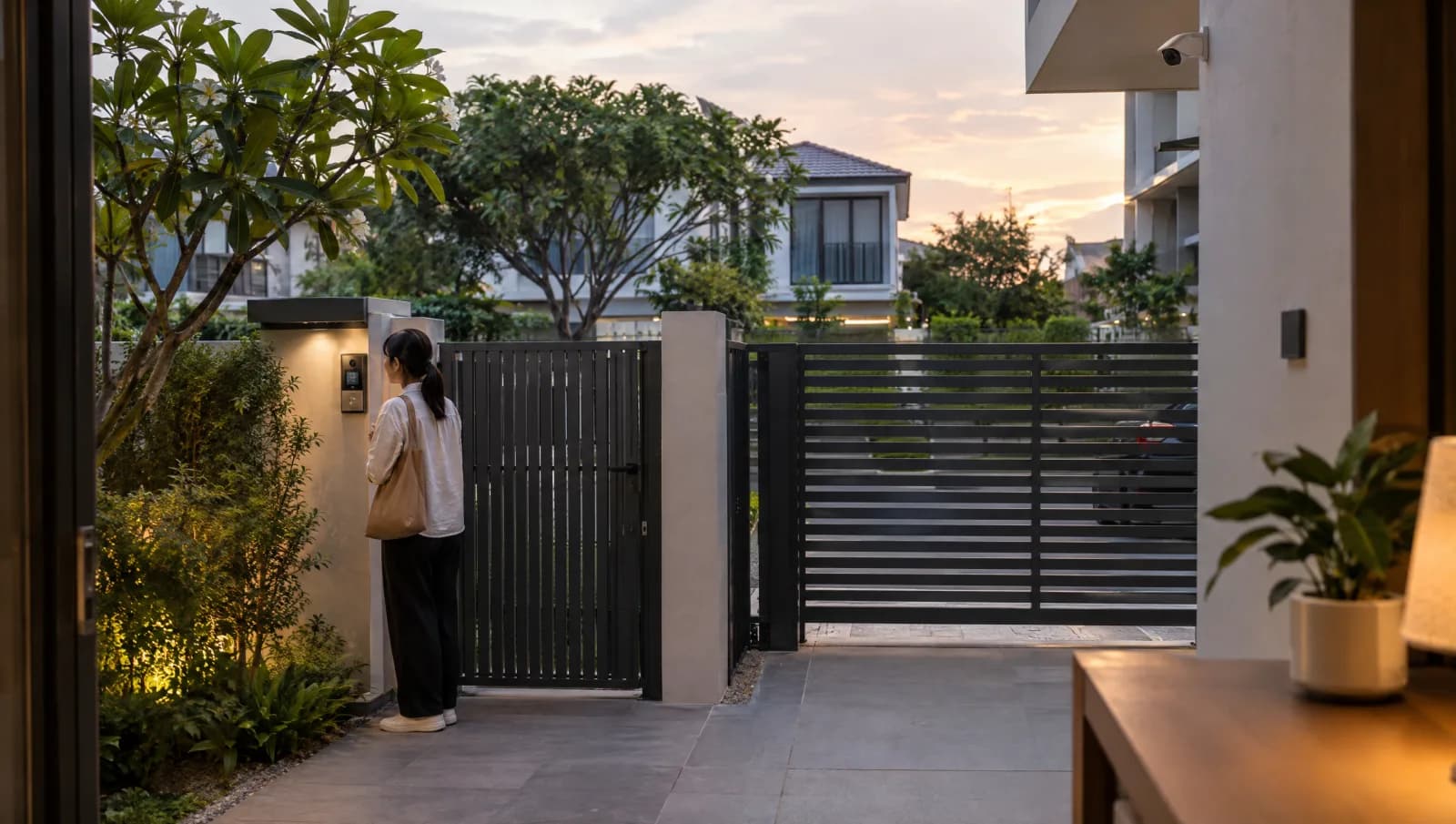
View In PDFYes, you can open your auto gate from a video intercom screen or phone. You need an intercom that works with your gate controller and a wired or Wi-Fi connection to your home network. CCTV lets you record what happens at the entrance and watch it back later.
Why Integrate Instead Of Buying Separately
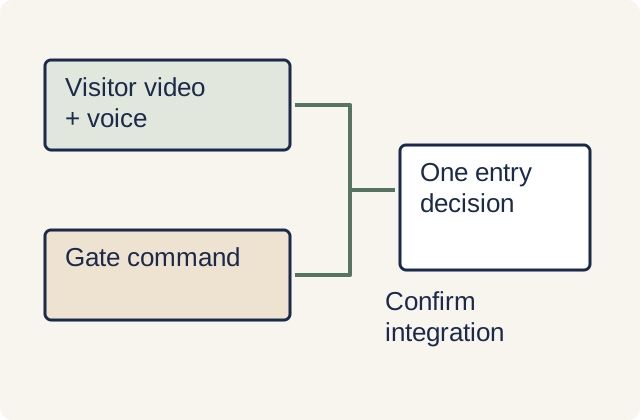
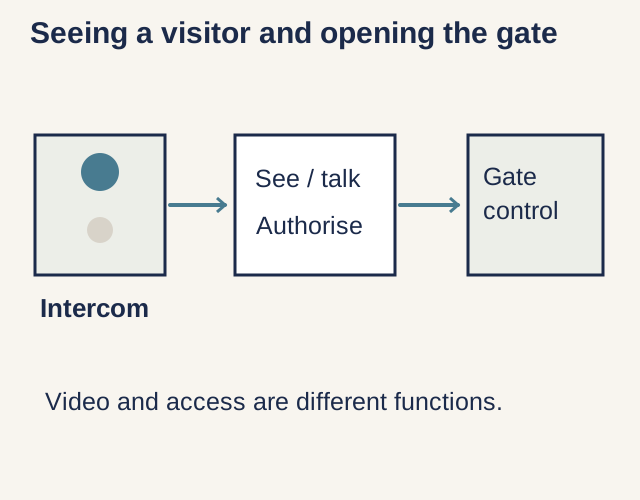
Plan your auto gate installation around an ordinary arrival. Someone presses the intercom, a resident answers, checks who is outside and decides whether to open, without hunting for another remote or switching between unfamiliar apps. Use the auto gate buying guide alongside this article if you are also choosing the gate itself.
Start with the equipment you want to keep. If the existing gate and cameras meet your needs, we recommend assessing their compatibility before replacing them just to match a brand. Give the installer the gate-controller, intercom, camera and recorder model numbers; a promise that everything is 'smart' leaves the actual connections unanswered.
Decide separately whether you want to open the vehicle gate, a pedestrian gate or both. Have the proposal name each controlled entrance and the screen or button used for it, so a resident knows which entrance will open when they press it.
Video Intercom Options
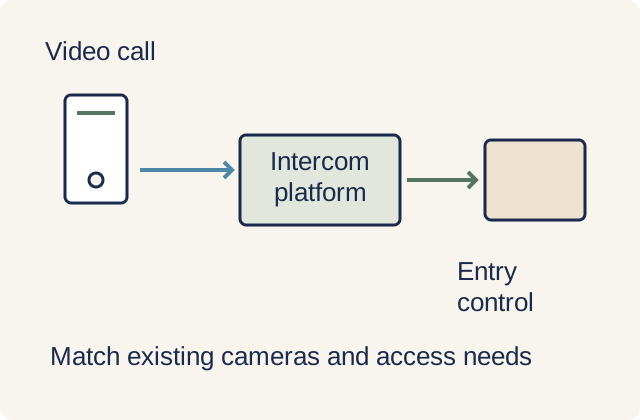
An indoor screen suits a household that wants a fixed place to answer visitors; phone access suits someone who also wants to respond away from home. We recommend keeping an indoor answering option if a family member does not routinely carry a smartphone. If you choose phone-only answering, try the incoming alert with the household's actual phones locked and using their usual notification settings.
The connection to the gatepost is a separate choice. DoorBird, for example, supports Ethernet with Power over Ethernet, with Wi-Fi available on selected models. Power over Ethernet carries power and data over a network cable; a Wi-Fi model still needs its specified power supply, so ask what wiring remains before treating it as a cable-free retrofit. Wi-Fi replaces the network cable, not the wired relay connection to the gate controller in this example.
Home Wi-Fi links the intercom to your router; broadband connects that router to the internet. DoorBird, for example, connects to a cloud service. Before choosing phone answering, confirm what still works if broadband fails but the intercom, router and indoor screen remain powered.
During a power cut, can the gate still open, and what is the manufacturer's manual-release procedure if it cannot? Which of the intercom, router and recorder have backup power, and how long will each run? Have those answers and any additional backup equipment included in the quote.
ONVIF standards let cameras and viewing apps from different makers work together when they support the same profile, or set of features. A shared profile covers its defined functions, so an ONVIF label alone does not promise every feature of a combined package. Check the proposed camera feeds and recording playback alongside the visitor conversation and gate control before buying.
How The Gate Relay Works
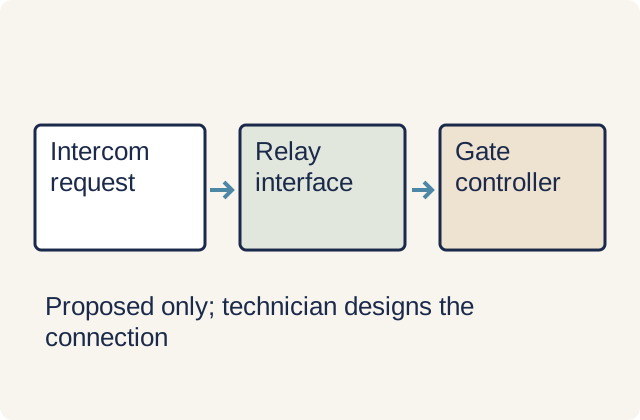
A relay is an electrically operated switch. In an intercom such as DoorBird, the relay connects to a compatible gate controller and sends the request to open; the controller then operates the gate motor. The installer needs to confirm the controller input, relay rating and what each button press will do before connecting the equipment.
Make the meaning of the app button explicit. It might request a full opening, open only the pedestrian entrance or follow another sequence set by the controller. If the app shows 'open' or 'closed', check whether that reflects the gate's physical position or merely acknowledges your command before relying on the display.
An intercom camera can show a caller's face yet miss someone beside the moving gate because of its viewing angle. Keep the gate's protective devices in place when adding an intercom; UK HSE technical guidance explains how gate design, protective devices and correctly connected controls work together. Have the installer assess the modified system and explain the gate safety sensors and protective functions that remain in use.
How your auto gate locks after closing
To lock an automatic gate, use the locking arrangement specified for its motor, whether built into the drive or provided by a separate electric lock. An intercom or keypad supplies the opening command; choosing an automatic gate locking system also means deciding what holds the gate shut afterwards.
For a swing gate, check the motor model and each gate leaf's length before adding a lock; the FAAC 390, for example, holds leaves up to 2 metres without an extra lock but specifies an electric lock for longer leaves. A sliding gate may already lock through its motor; the FAAC 740, for example, uses a non-reversing drive and needs no separate electric lock. These are model examples, so confirm the arrangement for your own gate.
For a double swing gate, the locking arrangement must account for both leaves and the order in which they open and close. With the Mighty Mule FM143 lock on a compatible double-gate system, the leaf carrying the lock opens first and closes last, meeting the receiver on the other leaf.
Fitting an auto gate latch means matching it to the gate and controller, securing the latch and its receiving part, then checking alignment and release through a complete opening and closing cycle. The FM143 fitting instructions require aligned parts on firm supports and a connection to the opener controls. We recommend having the gate installer fit it and demonstrate the manual release, rather than adding a latch that has not been checked with the powered gate.
Do not assume an electric gate cannot be forced open simply because it has a motor, intercom or camera. Physical lock design matters; the Gatemaster NHL, for example, has a hook designed to resist a hinged gate being forced apart. That is a mechanical lock example, not a recommendation to fit it to a powered gate; ask the installer what resistance to forced opening the complete proposal provides.
CCTV Coverage for the Gate Area
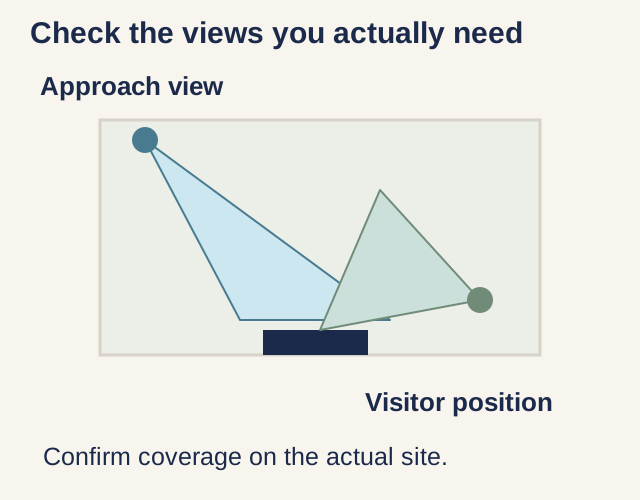
The intercom needs a useful image of someone standing at the button, while a driveway view helps show the approach and gate movement. A wide overview can leave a face too small to recognise, and camera height, lighting and viewing angle affect identification. Judge the proposed views at your entrance rather than choosing by camera resolution alone.
Recording needs its own specification. The Aiphone JO Series, for example, has a feature that records visitors whose calls go unanswered, for playback on the indoor master station or smartphone. That missed-call feature does not establish continuous driveway recording; if you want footage between visits, have the proposal identify the camera, recorder or cloud plan that supplies it, its recording mode, storage period and any recurring charge.
For handover, we recommend viewing a sample recording from the visitor's standing position and driveway approach in daylight and after dark. Check the saved clip on the device you will use to retrieve it, including playback and export, rather than accepting only a live image. Frame the view around your entrance and minimise unnecessary views into neighbouring homes.
Work to Include in an Existing-Gate Retrofit Quote
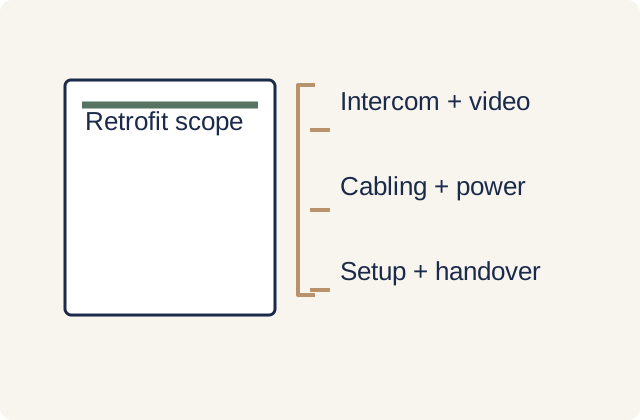
A useful retrofit quotation separates retained equipment from new work. Ask for the intercom and viewing device, any additional cameras and recorder, the gate-control connection, power and network provision, cable routes and making good. Put configuration, household account setup and the agreed handover demonstrations in the same scope so you can compare proposals for the finished system.
Keep upfront and recurring charges separate. Have each proposal state whether recording storage, remote access or other requested functions require a subscription, and what remains usable without it. Also identify who handles a fault that crosses the gate, intercom and home network, because separate equipment warranties do not explain who will diagnose that combined problem.
For a new gate, compare the gate, motor and installation costs separately from the intercom and CCTV additions. Ask for shared cable-route work to be priced once in the combined proposal, with any reuse of existing conduits confirmed on site. The auto gate installation guide covers the broader planning sequence if the gate itself is also changing.
Common Mistakes To Avoid
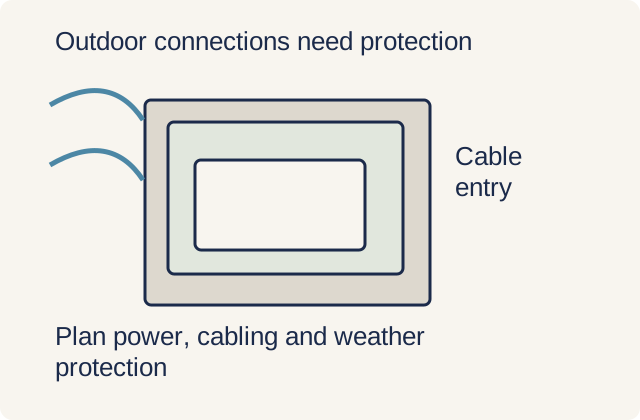
Do not let a tidy equipment list conceal unfinished outdoor installation work. Ask the installer to specify weather-suitable housings, protected connections and cable entries for the chosen devices; water ingress and damaged wiring can compromise gate safety functions. In Singapore, electrical wiring alterations and new power points should be carried out or supervised by an EMA Licensed Electrical Worker; agree that work separately from device and app setup.
Complete the account handover as well as the physical installation. Follow CSA guidance on strong passphrases, multi-factor authentication where available, updates and protecting exposed device connections. We recommend that the homeowner holds the administrator account, understands how to remove a user's access and has any continuing installer access explicitly agreed.
Before choosing a combined package, send DirectHome photographs of the existing gate and intercom from safe positions, the device model details and the functions you want to retain or add. Include where people need to answer visitors and whether recording is needed between visits. Those details make the auto gate project discussion specific to your entrance rather than a generic equipment bundle.
Auto Gates across Singapore
Need help with your project?
Tell us what you need on WhatsApp and send a few photos. We'll arrange a free site assessment, then give you a fixed-price quote within 3 to 5 working days.